
Wayback Machine - Explore Internet History
What Is the Wayback Machine?
The Wayback Machine is a free online archive created by the Internet Archive, a non-profit digital library based in San Francisco, California. Founded in 1996 by Brewster Kahle, the Internet Archive’s mission is to “provide universal access to all knowledge.”
The Wayback Machine fulfills this goal by capturing and storing billions of web pages over time. Users can enter a website’s URL and instantly see how it appeared at different points in history — from early 2000s designs to recent versions.
As of 2026, the Wayback Machine has archived over 900 billion web pages, making it the largest and most comprehensive record of the internet’s evolution.
How the Wayback Machine Works
The Wayback Machine operates by using automated programs known as web crawlers or spiders. These crawlers regularly scan and capture web content from millions of domains around the world.
Here’s a step-by-step breakdown of the process:
- Web Crawling:
The Internet Archive’s crawlers visit websites and take “snapshots” of pages — including text, images, links, and layouts.
- Archiving Data:
These snapshots are then stored on the Archive’s massive servers. Each snapshot is timestamped and assigned a permanent link.
- Access via Archive.org:
When you search for a URL on archive.org/web, the system retrieves all available snapshots and displays them in a timeline view.
- View Past Versions:
You can then click on specific dates to see exactly how the page looked on that day — complete with clickable links and archived images (when available).
This process allows the Wayback Machine to build a visual history of the internet, preserving digital content that might otherwise be lost forever.
Why the Wayback Machine Is Important
The Wayback Machine plays a critical role in preserving the world’s online information. Here are the top reasons why it’s so important in today’s digital landscape:
1. Preserving Internet History
Every day, thousands of websites shut down or change their content. Without the Wayback Machine, their data would disappear permanently. This tool ensures that old web pages, company announcements, or even cultural trends remain accessible for future generations.
2. Supporting Journalism and Fact-Checking
Reporters and researchers often use the Wayback Machine to find deleted pages or verify previous statements. It’s an invaluable resource for uncovering the truth behind edited or removed content.
3. Assisting in Legal Evidence
Archived pages from the Wayback Machine can serve as digital evidence in legal or compliance cases. Lawyers may use it to prove what information was available online at a specific time.
4. Helping SEO and Website Recovery
SEO professionals rely on archived versions of websites to recover lost content, restore rankings, and analyze competitors’ past strategies. The Wayback Machine is one of the best tools for digital marketers looking to study historical website data.
5. Academic and Cultural Research
Historians, linguists, and educators use archived web pages to study how technology, communication, and culture have evolved throughout the digital era.
Main Features of the Wayback Machine
The Wayback Machine offers a range of features that make it easy to explore and save online history:
- URL-Based Search
You can search any website by entering its full URL. The system will display a timeline and a calendar view showing when snapshots were captured.
- Interactive Calendar
Each snapshot date appears as a colored dot on the calendar. Blue and green indicate available archives. Users can click on a date to view the saved version.
- Save Page Now
This feature allows users to instantly archive a web page manually. Just paste the link into the “Save Page Now” box, and the page will be preserved permanently.
- Compare Versions
You can compare how a page looked at two different times — perfect for tracking redesigns, updates, or deleted content.
- Developer API
The Wayback Machine provides an API that developers can integrate into apps or SEO tools to access archived data automatically.
- Permanent Shareable Links
Each archived page has a unique URL that can be shared, cited, or embedded in research, journalism, or academic papers.
How to Use the Wayback Machine (Step-by-Step Guide)
If you’ve never used the Wayback Machine before, here’s a simple guide:
- Step 1: Visit the Official Site
Go to https://archive.org/web. This is the official interface of the Wayback Machine.
- Step 2: Enter the URL
Type or paste the full website address (for example:
nytimes.comorexample.org/article.html) into the search box and hit Enter. - Step 3: Browse the Timeline
The Wayback Machine will display a timeline at the top, showing every year that contains archived versions of that website.
- Step 4: Choose a Date
Click on a year, then select a highlighted date from the calendar. You’ll see a snapshot of the website exactly as it looked on that day.
- Step 5: Navigate the Archived Site
Once loaded, you can browse the page just like a normal website. Some links and media may work depending on how well they were archived.
- Step 6: Save Your Own Pages
Use the “Save Page Now” tool on the homepage to manually archive a current version of any website for future reference.
Practical Uses of the Wayback Machine
The Wayback Machine isn’t just for fun — it’s a professional tool used across industries.
1. SEO and Digital Marketing
For SEO specialists, the Wayback Machine can be used to:
- Recover deleted or lost website content.
- View old title tags, meta descriptions, and on-page SEO data.
- Study competitors’ web structures and keyword targeting strategies.
- Identify historical backlinks or landing pages that drove traffic.
This makes it invaluable for SEO audits, link recovery, and content optimization.
2. Web Development
Developers can retrieve old site designs or code structures that were lost during migrations. It’s especially useful for restoring deleted websites or understanding legacy web frameworks.
3. Journalism and Research
Reporters and academics use the Wayback Machine to uncover removed articles, analyze information changes, or verify claims. It helps maintain transparency and accountability online.
4. Education and Cultural Studies
Teachers can use archived websites to show how online trends, digital communication, and user interfaces have evolved through decades.
5. Cybersecurity Analysis
Cyber experts sometimes review archived pages to investigate old exploits, malware campaigns, or historical vulnerabilities on compromised sites.
About the Internet Archive
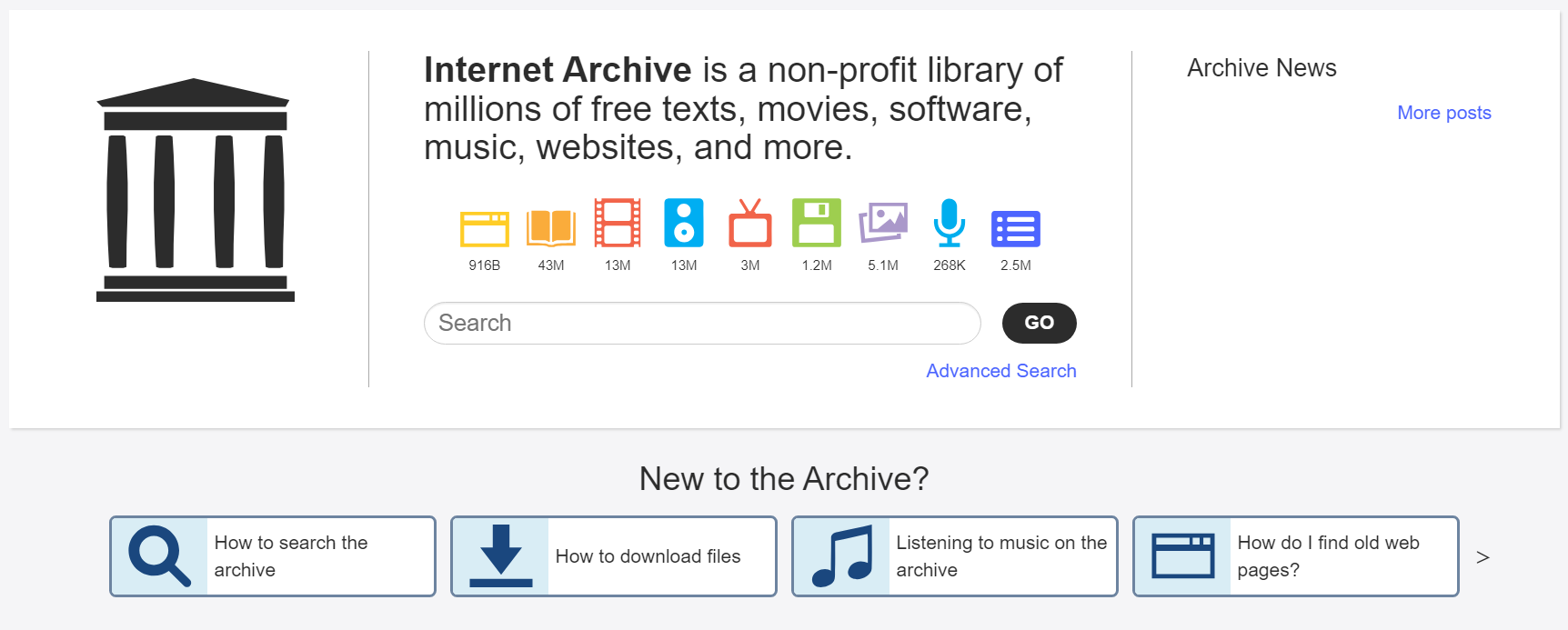
The Internet Archive is a non-profit organization founded in 1996. It serves as a digital library for preserving the world’s online knowledge. Beyond the Wayback Machine, the Internet Archive hosts:
- Open Library – Millions of digitized books available for free.
- Archive-It – A subscription-based service for organizations to create and manage their own digital archives.
- TV News Archive – A searchable database of TV broadcasts for research and journalism.
Its overall mission is to safeguard humanity’s digital heritage — ensuring that the information of today remains accessible tomorrow.
Limitations of the Wayback Machine
While the Wayback Machine is extremely powerful, it has some limitations:
- Not All Sites Are Archived: Some websites block archiving using “robots.txt” or manual requests.
- Incomplete Pages: Dynamic content (like videos or scripts) may not load properly in archived snapshots.
- Legal Removals: The Internet Archive occasionally removes content under DMCA or privacy requests.
- Limited Frequency: Some websites are crawled more often than others, depending on popularity and structure.
Despite these limitations, the Wayback Machine remains the most comprehensive and accessible archive available today.
Best Alternatives to the Wayback Machine
While the Wayback Machine dominates the field, there are a few alternatives worth mentioning:
- Archive.today (archive.ph) – Captures full pages instantly, even if blocked by robots.txt.
- Perma.cc – Designed for academic and legal citation.
- Memento Project – Connects multiple web archives for broader coverage.
- WebCite – Used primarily for scholarly references.
However, none match the scale and historical depth of the Wayback Machine.
Wayback Machine for SEO and Content Marketing
For Bing SEO optimization and digital marketing strategies, the Wayback Machine can be a secret weapon. Here’s how to use it effectively:
- Recover Old High-Performing Content – If you’ve lost a high-ranking page or an expired domain, the Wayback Machine can help you restore it — maintaining backlinks and organic traffic potential.
- Analyze Competitors – View your competitors’ past campaigns, landing pages, or blog strategies to identify what worked and what didn’t.
- Monitor Historical Backlinks – Track which websites linked to your domain over time and see if those links still exist.
- Improve On-Page Optimization – Review past versions of your own website to analyze which headlines, meta tags, and keywords performed best.
- Build Authority – Cite historical snapshots in your content to add credibility and demonstrate research depth — a strategy that Bing’s ranking algorithm values highly.
Wayback Machine in Legal and Compliance Contexts
The Wayback Machine has been recognized in courtrooms and regulatory audits as reliable digital evidence. Lawyers and compliance officers use archived pages to:
- Prove when content was published or removed.
- Support trademark and intellectual property cases.
- Validate the authenticity of online agreements or disclaimers.
Courts in the U.S., U.K., and other jurisdictions have accepted Wayback Machine captures as admissible evidence — making it a legitimate source for digital verification.
The Future of the Wayback Machine
The Internet Archive continues to enhance the Wayback Machine with new technology. Looking ahead, here’s what’s coming:
- AI-Powered Search: Advanced algorithms to identify related pages and topics faster.
- Improved JavaScript Rendering: Better snapshots for dynamic websites.
- Expanded Global Partnerships: Collaborations with national archives to preserve non-English websites.
- User-Contributed Archiving: Easier tools for individuals to save and share web history.
As online information grows and becomes more temporary, the Wayback Machine’s mission — preserving the web for everyone — becomes even more crucial.
Conclusion
The Wayback Machine is more than an internet archive — it’s a digital time machine that preserves our online history. Whether you’re an SEO expert restoring lost pages, a journalist verifying facts, or a curious user exploring nostalgia, this free tool gives you access to the evolution of the internet itself.
In an age where web pages can vanish overnight, the Wayback Machine ensures that knowledge never truly disappears. It stands as a testament to the importance of digital preservation, open access, and transparency in the online world.
To explore the past of any website, visit https://archive.org/web — and take your first step into the history of the internet.
FAQs About the Wayback Machine
- Q1: Is the Wayback Machine free to use?
- Yes. The Wayback Machine is completely free and open to the public. Users can browse, save, and share archived pages without payment.
- Q2: How often does the Wayback Machine capture websites?
- It depends on the site’s popularity and crawl permissions. Some sites are archived daily, while others may only appear a few times per year.
- Q3: Can I remove my website from the Wayback Machine?
- Yes. Website owners can request content removal via the Internet Archive’s support page, especially for privacy or copyright reasons.
- Q4: Can I download an archived page?
- You can manually save or screenshot archived pages. Developers can also use the Wayback Machine API to automate data retrieval.
- Q5: Is it safe and legal to use?
- Absolutely. The Wayback Machine is a legal, secure, and widely accepted tool used by governments, universities, and major organizations worldwide.